
#FactCheck - Debunked: AI-Generated Image Circulating as April Solar Eclipse Snapshot
Executive Summary:
A picture about the April 8 solar eclipse, which was authored by AI and was not a real picture of the astronomical event, has been spreading on social media. Despite all the claims of the authenticity of the image, the CyberPeace’s analysis showed that the image was made using Artificial Intelligence image-creation algorithms. The total solar eclipse on April 8 was observable only in those places on the North American continent that were located in the path of totality, whereas a partial visibility in other places was possible. NASA made the eclipse live broadcast for people who were out of the totality path. The spread of false information about rare celestial occurrences, among others, necessitates relying on trustworthy sources like NASA for correct information.
Claims:
An image making the rounds through social networks, looks like the eclipse of the sun of the 8th of April, which makes it look like a real photograph.


Fact Check:
After receiving the news, the first thing we did was to try with Keyword Search to find if NASA had posted any lookalike image related to the viral photo or any celestial events that might have caused this photo to be taken, on their official social media accounts or website. The total eclipse on April 8 was experienced by certain parts of North America that were located in the eclipse pathway. A part of the sky above Mazatlan, Mexico, was the first to witness it. Partial eclipse was also visible for those who were not in the path of totality.
Next, we ran the image through the AI Image detection tool by Hive moderation, which found it to be 99.2% AI-generated.

Following that, we applied another AI Image detection tool called Isitai, and it found the image to be 96.16% AI-generated.

With the help of AI detection tools, we came to the conclusion that the claims made by different social media users are fake and misleading. The viral image is AI-generated and not a real photograph.
Conclusion:
Hence, it is a generated image by AI that has been circulated on the internet as a real eclipse photo on April 8. In spite of some debatable claims to the contrary, the study showed that the photo was created using an artificial intelligence algorithm. The total eclipse was not visible everywhere in North America, but rather only in a certain part along the eclipse path, with partial visibility elsewhere. Through AI detection tools, we were able to establish a definite fact that the image is fake. It is very important, when you are talking about rare celestial phenomena, to use the information that is provided by the trusted sources like NASA for the accurate reason.
- Claim: A viral image of a solar eclipse claiming to be a real photograph of the celestial event on April 08
- Claimed on: X, Facebook, Instagram, website
- Fact Check: Fake & Misleading

Related Blogs

Introduction
The world has been riding the wave of technological advancements, and the fruits it has born have impacted our lives. Technology, by its virtue, cannot be quantified as safe or unsafe it is the application and use of technology which creates the threats. Its times like this, the importance and significance of policy framework are seen in cyberspace. Any technology can be governed by means of policies and laws only. In this blog, we explore the issues raised by the EU for the tech giants and why the Indian Govt is looking into probing Whatsapp.
EU on Big Techs
Eu has always been seen to be a strong policy maker for cyberspace, and the same can be seen from the scope, extent and compliance of GDPR. This data protection bill is the holy grail for worldwide data protection bills. Apart from the GDPR, the EU has always maintained strong compliance demographics for the big tech as most of them have originated outside of Europe, and the rights of EU citizens come into priority above anything else.
New Draft Notification
According to the draft of the new notification, Amazon, Google, Microsoft and other non-European Union cloud service providers looking to secure an EU cybersecurity label to handle sensitive data can only do so via a joint venture with an EU-based company. The document adds that the cloud service must be operated and maintained from the EU, all customer data must be stored and processed in the EU, and EU laws take precedence over non-EU laws regarding the cloud service provider. Certified cloud services are operated only by companies based in the EU, with no entity from outside the EU having effective control over the CSP (cloud service provider) to mitigate the risk of non-EU interfering powers undermining EU regulations, norms and values.
This move from the EU is still in the draft phase however, it is expected to come into action soon as issues related to data breaches of EU citizens have been reported on numerous occasions. The document said the tougher rules would apply to personal and non-personal data of particular sensitivity where a breach may have a negative impact on public order, public safety, human life or health, or the protection of intellectual property.
How will it secure the netizens?
Since the EU has been the leading policy maker in cyberspace, it is often seen that the rules and policies of the EU are often replicated around the world. Hence this move comes at a critical time as the EU is looking towards safeguarding the EU netizens and the Cyber security industry in the EU by allowing them to collaborate with big tech while maintaining compliance. Cloud services can be protected by this mechanism, thus ensuring fewer instances of data breaches, thus contributing to a dip in cyber crimes and attacks.
The Indian Govt on WhatsApp
The Indian Govt has decided to probe Whatsapp and its privacy settings. One of the Indian Whatsapp users tweeted a screenshot of WhatsApp accessing the phone’s mic even when the phone was not in use, and the app was not open even in the background. The meta-owned Social messaging platform enjoys nearly 487 million users in India, making it their biggest market. The 2018 judgement on Whatsapp and its privacy issues was a landmark judgement, but the platform is in violation of the same.
The MoS, Ministry of Electronics and Information Technology, Rajeev Chandrashekhar, has already tweeted that the issue will be looked into and that they will be punished if the platform is seen violating the guidelines. The Digital Personal Data Protection Bill is yet to be tabled at the parliament. Still, despite the draft bill being public, big platforms must maintain the code of conduct to maintain compliance when the bill turns into an Act.
Threats for Indian Users
The Indian Whatsapp user contributes to the biggest user base un the world, and still, they are vulnerable to attacks on WhatsApp and now WhatsApp itself. The netizens are under the following potential threats –
- Data breaches
- Identity theft
- Phishing scams
- Unconsented data utilisation
- Violation of Right to Privacy
- Unauthorised flow of data outside India
- Selling of data to a third party without consent
The Indian netizen needs to stay vary of such issues and many more by practising basic cyber safety and security protocols and keeping a check on the permissions granted to apps, to keep track of one’s digital footprint.
Conclusion
Whether it’s the EU or Indian Government, it is pertinent to understand that the world powers are all working towards creating a safe and secured cyberspace for its netizens. The move made by the EU will act as a catalyst for change at a global level, as once the EU enforces the policy, the world will soon replicate it to safeguard their cyber interests, assets and netizens. The proactive stance of the Indian Government is a crucial sign that the things will not remain the same in the Indian Cyber ecosystem, and its upon the platforms and companies to ensure compliance, even in the absence of a strong legislation for cyberspace. The government is taking all steps to safeguard the Indian netizen, as the same lies in the souls and spirit of the new Digital India Bill, which will govern cyberspace in the near future. Still, till then, in order to maintain the synergy and equilibrium, it is pertinent for the platforms to be in compliance with the laws of natural justice.

Introduction
There is a particular kind of fraud that security engineers have struggled with for years, precisely because it defeats every technical safeguard by design. It is the social engineering scam, where a caller poses as your bank's department, your tax office, or a relative in trouble, and walks you, step by step, into making a payment or changing your own account details. Two-factor authentication does not stop this. Strong passwords do not stop it. The account holder is doing everything correctly, except they have been persuaded to do the wrong thing by someone skilled at sounding legitimate. With iOS 27 and iPadOS 27, released in September 2026, Apple has built a feature aimed specifically at that gap, called Impersonation Risk Detection.
What the feature actually does
The mechanism is narrower and more specific than it might first sound. Impersonation Risk Detection does not run continuously in the background scanning for scam calls the way a caller ID app might. Instead, it activates only when a supported app, not Apple's own apps necessarily, but any third party app that chooses to integrate it, requests a real time risk assessment at the exact moment a user attempts a sensitive action. Apple's own examples are specific: making a payment, changing a password, or modifying other critical account security information.
At that moment, the operating system runs an on-device analysis built on what Apple calls its Trust Insights framework. It draws on device use patterns, including the approximate number of recent phone calls and emails, Apple Account information such as app download and purchase history, and what Apple describes as interaction patterns, timing, context and basic sensor data. Crucially, Apple has been explicit that the system does not read the contents of Photos, Messages or Mail, and it does not examine the actual point of intrusion, meaning it cannot tell you whether the phone call you are currently on is itself fraudulent. What it is assessing, instead, is whether the pattern of behaviour surrounding this specific sensitive action looks statistically consistent with how a genuine user behaves, or with the pressured, rushed, coached pattern typical of someone being actively scammed.
The output is deliberately minimal. The requesting app receives only one of three labels, unknown, medium or high risk, never the underlying data that produced it. An "unknown" rating means no suspicious signs were detected, though Apple is careful to note this does not confirm the action is actually safe, only that nothing suspicious surfaced. Apple itself never sees the underlying device data used to generate the assessment either, though it does learn what type of action triggered the request in the first place. What the app then does with that risk label, whether to add a waiting period, prompt identity verification, or display an outright warning, is left entirely to the app's own design, not dictated by Apple.
Why the defaults and the fine print matter
Two details in how Apple shipped this feature are worth paying close attention to, because they reveal a lot about the threat model Apple was actually designing against. First, the feature is off by default. Users must manually navigate to Settings, then Privacy & Security, then Impersonation Risk Detection, and toggle on Share with App Developers, often requiring an Apple Account sign-in to activate. Second, and more tellingly, Apple built in a mandatory 24 hour delay before the toggle, once enabled, can actually be switched off. Apple's own guidance states plainly that if someone contacts you and insists you turn this feature off, treat that as a red flag. That is not a generic privacy disclaimer. It is Apple directly anticipating that scammers, once this feature becomes widely known, will start coaching victims to disable it mid-call, and designing a specific friction point to blunt exactly that manipulation.
Apps that have requested an assessment appear under a Recent Activity log, where users can review the specific actions that triggered each request and revoke access app by app, through a section Apple labels Reasons for Access. As of launch, Apple has not published a list of which apps actually support the feature, meaning its real world usefulness depends entirely on third party developers choosing to integrate it, something Apple cannot mandate.
How this compares to what Google has shipped earlier
Apple is not the first to market here, and the framing in early coverage of this feature, "it was just a matter of time," reflects that fairly accurately. Google began rolling out Scam Detection on Pixel phones in beta in late 2024, expanding it through 2025 using its on-device Gemini Nano model to analyse both phone calls and text messages in real time. The approaches differ in a meaningful way, though. Google's feature listens to an entire live conversation for scam-like conversational patterns, playing an audible beep at the start of a monitored call so both parties know AI analysis is active, and can interrupt mid-call with a warning. Apple's feature does not listen to anything resembling the call itself; it evaluates behavioural and account signals around a specific sensitive action a user is about to take, regardless of whether that action was prompted by a phone call, a text, or an email. Google's model is built around catching the scam as it happens in conversation; Apple's is built around catching the moment the user is about to act, irrespective of the channel that pressured them there. Both are opt-in or off by default, and both emphasise on-device processing and limited data sharing, reflecting a shared industry recognition that scam detection tools built on reading private conversations need unusually strong privacy guarantees to earn user trust.
Why this matters well beyond the US
Google has already signalled that it sees markets like India as a genuine proving ground for this category of tool, having launched Pixel-based scam detection there in November 2025 specifically citing the scale of digital fraud losses in the country, alongside partnerships with Indian financial apps including Google Pay, Paytm and Navi to warn users during risky screen-sharing sessions, a common vector in Indian banking fraud. That context matters for Apple's rollout too. Social engineering scams impersonating banks, government tax departments and law enforcement are a dominant and rapidly growing fraud category across much of Asia, and a feature that specifically targets the moment someone is being walked through a fraudulent payment, rather than relying on the victim recognising the scam themselves, addresses exactly the mechanism that most existing fraud prevention tools miss.
The honest limitation
Apple has been careful, in its own language, to frame this as a supplementary safeguard rather than a complete solution to telecom and online fraud, and that caution lines up with what the broader behavioural analytics industry has already learned the hard way. The feature depends entirely on third party app adoption that has not yet been detailed, it is switched off by default so most users will never encounter it without deliberately enabling it, and an "unknown" risk rating explicitly does not mean an action is safe, only that nothing suspicious happened to surface.
The deeper issue is one every company working on behavioural fraud detection has run into before Apple did: these systems are only as reliable as the baseline of "normal" behaviour they are measuring against, and that baseline is not stable across every type of user. Industry data on behavioural biometrics, the broader category of technology Apple's system belongs to, puts typical false positive rates for flagging new device, location, or timing combinations in the range of 15 to 25 percent before careful tuning, and practitioners in the field note that elderly users in particular tend to show higher variance in their interaction patterns, which makes them statistically harder for these models to read correctly, not easier, despite being exactly the population most targeted by impersonation scams in the first place. The risk is not hypothetical or confined to finance. In eldercare technology more broadly, a documented case from a California pilot programme saw a fall detection system switched off entirely after it generated so many false alarms that it triggered repeated, unwanted social service visits to an older adult's home, a clear illustration of what happens when a protective automated system cannot adequately account for the exact population it was built to protect.
Apple has not published performance data on how Impersonation Risk Detection behaves across these edge cases, new phones, irregular usage patterns, older users less familiar with typical app behaviour, and that silence is worth noting rather than assuming away. What Impersonation Risk Detection represents is not a solved problem, but a genuine, technically serious first attempt by a major platform to intervene at the exact moment social engineering scams succeed, the point of action, rather than relying on users to have correctly identified the deception several steps earlier. Whether it meaningfully reduces fraud losses at scale will depend less on the underlying design, which appears carefully thought through, and more on two things outside Apple's direct control: how many developers actually build it into the apps people use for banking and account security, and how well the system holds up for exactly the users who need it most.
References
- Help Net Security, "Apple's new iOS 27 feature looks for signs you're being scammed." https://www.helpnetsecurity.com/2026/09/24/apple-ios-27-impersonation-risk-detection/
- 9to5Mac, "iOS 27 adds scam-prevention feature to iPhone, here's how to enable it." https://9to5mac.com/2026/09/16/ios-27-adds-scam-prevention-feature-to-iphone-heres-how-to-enable-it/
- 9to5Mac, "Security Bite: iOS 27 now lets apps ask your iPhone if you're being scammed." https://9to5mac.com/2026/09/21/security-bite-ios-27-now-lets-apps-ask-your-iphone-if-youre-being-scammed/
- Engadget, "Apple's new iPhone and iPad security feature can protect you from scammers." https://www.engadget.com/2271157/apple-iphone-ipad-impersonator-risk-detection-new-security-feature/
- gHacks Tech News, "iOS 27 Adds Impersonation Risk Detection to Help Protect Against Social Engineering Scams." https://www.ghacks.net/2026/09/21/ios-27-adds-impersonation-risk-detection-to-help-protect-against-social-engineering-scams/
- BigGo Finance, "Apple Rolls Out On-Device Scam Detection in iOS 27 Ahead of High-Risk Transactions." https://finance.biggo.com/news/89a0ae92-1603-4ac9-aef9-b8b466e6ac40
- MacObserver, "iOS 27 Impersonation Risk Detection: How Apple's anti-scam setting works." https://www.macobserver.com/news/ios-27-impersonation-risk-detection-anti-scam-setting/
- Google Blog, "New AI-Powered Scam Detection Features to Help Protect You on Android." https://blog.google/security/new-ai-powered-scam-detection-features/
- Digital Trends, "Google Pixel 9 is getting a scam detection upgrade you'll want on your phone." https://www.digitaltrends.com/phones/google-pixel-scam-detection-gemini-nano-ai-calls-messages-safety/
- Gulf News, "Google ramps up AI scam protection in India." https://gulfnews.com/technology/media/google-ramps-up-ai-scam-protection-in-india-1.500355149

Today, let us talk about one of the key features of our digital lives – security. The safer their online habits are, the safer their data and devices will be. A branded security will make their devices and Internet connections secure, but their carelessness or ignorance can make them targets for cybercrimes. On the other hand, they can themselves unwittingly get involved in dubious activities online. With children being very smart about passwords and browsing history clearing, parents are often left in the dark about their digital lives.
Fret not, parental controls are there at your service. These are digital tools often included with your OS or security software package, which helps you to remotely monitor and control your child’s online activities.
Where Can I find them?
Many devices come with pre-installed PC tools that you have to set up and run. Go to Settings-> Parental controls or Screentime and proceed from there. As I mentioned, they are also offered as a part of your comprehensive security software package.
Why and How to Use Parental Controls
Parental controls help monitor and limit your children's smartphone usage, ensuring they access only age-appropriate content. If your child is a minor, use of this tool is recommended, with the full knowledge of your child/ren. Let them know that just as you supervise them in public places for their safety, and guide them on rights and wrongs, you will use the tool to monitor and mentor them online, for their safety. Emphasize that you love them and trust them but are concerned about the various dubious and fake characters online as well as unsafe websites and only intend to supervise them. As they grow older and display greater responsibility and maturity levels, you may slowly reduce the levels of monitoring. This will help build a relationship of mutual trust and respect.
Step 1: Enable Parental Controls
- iOS: If your child has an iPhone, to set up the controls, go to Settings, select Screen Time, then select Content & Privacy Restrictions.
- Android: If the child has an Android phone, you can use the Google Family Link to manage apps, set screen time limits, and track device usage.
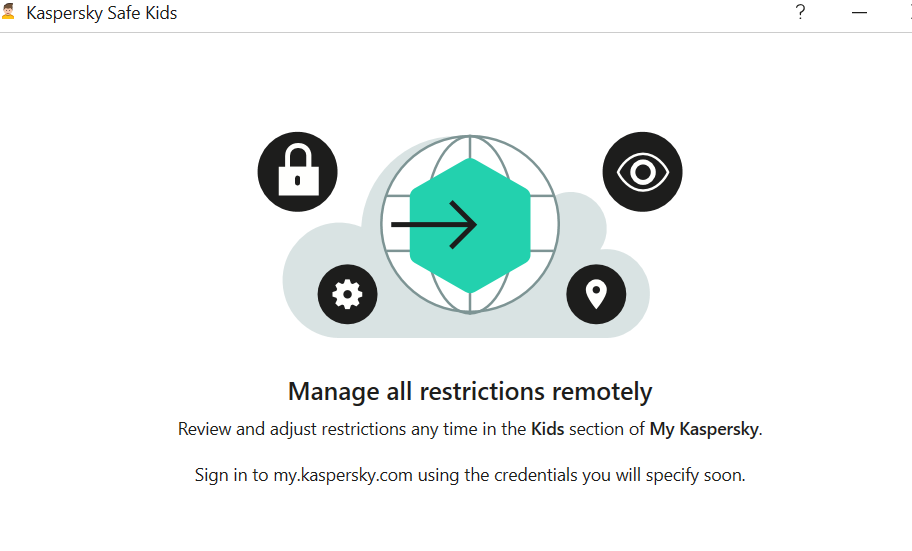
- Third-party apps: Consider security tools like McAfee, Kaspersky, Bark, Qustodio, or Norton Family for advanced features.
Check out what some of the security software apps have on offer:


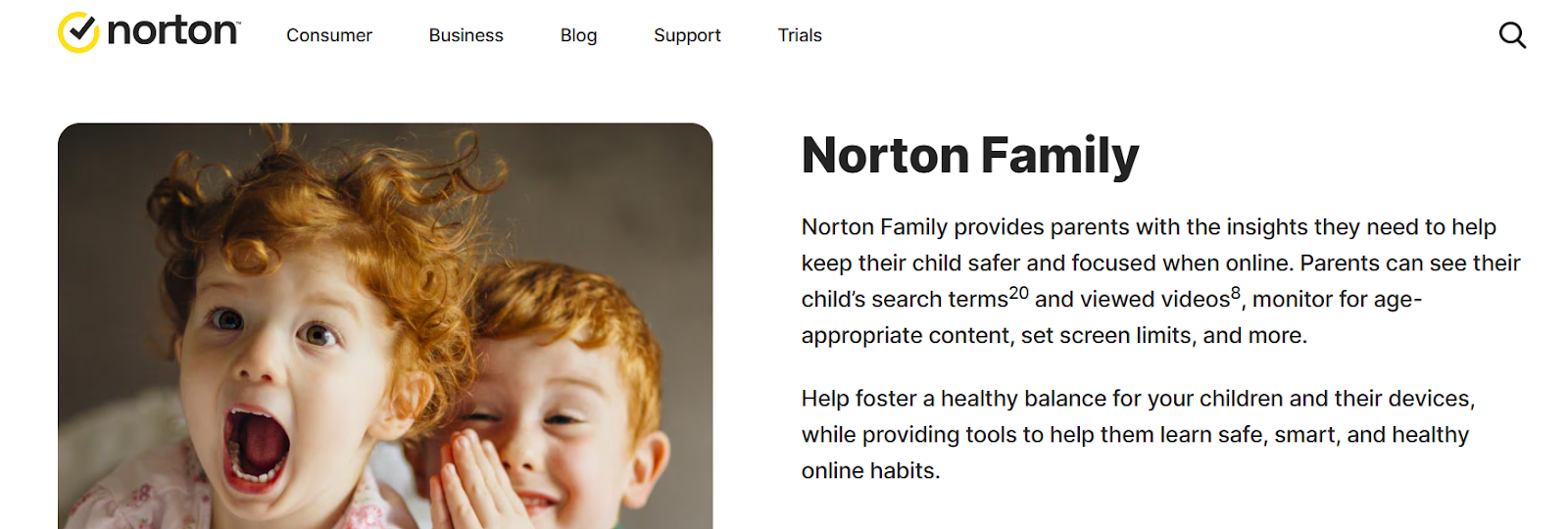
If you prefer Norton, here are the details:
McAfee Parental Controls suite offers the following features:

McAfee also outlines why Parental Controls matter:

Lastly, let us take a look at what Quick Heal has on offer:

STEP 2: Set up Admin Login
Needless to say, a parent should be the admin login, and it is a wise idea to set up a strong and unique password. You do not want your kids to outsmart you and change their accessibility settings, do you? Remember to create a password you will remember, for children are clever and will soon discover where you have jotted it down.
STEP 3: Create Individual accounts for all users of the device
Let us say two minor kids, a grandparent and you, will be using the device. You will have to create separate accounts for each user. You can allow the children to choose their own passwords, it will give them a sense of privacy. The children or you may (or may not) need to help any Seniors set up their accounts.
Done? Good. Now let us proceed to the next step.
STEP 4: Set up access permissions by age
Let us first get grandparents and other seniors out of the way by giving them full access. when you enter their ages; your device will identify them as adults and guide you accordingly.
Now for each child, follow the instructions to set up filters and blocks. This will again vary with age – more filters for the younger ones, while you can remove controls gradually as they grow older, and hence more mature and responsible. Set up screen Time (daily and weekends), game filtering and playtime, content filtering and blocking by words (e.g. block websites that contain violence/sex/abuse). Ask for activity reports on your device so that you can monitor them remotely This will help you to receive alerts if children connect with strangers or get involved in abusive actions.
Save the data and it has done! Simple, wasn’t it?
Additional Security
For further security, you may want to set up parental controls on the Home Wi-Fi Router, Gaming devices, and online streaming services you subscribe to.
Follow the same steps. Select settings, Admin sign-in, and find out what controls or screen time protection they offer. Choose the ones you wish to activate, especially for the time when adults are not at home.
Conclusion
Congratulations. You have successfully secured your child’s digital space and sanitized it. Discuss unsafe practices as a family, and make any digital rule breaches and irresponsible actions, or concerns, learning points for them. Let their takeaway be that parents will monitor and mentor them, but they too have to take ownership of their actions.
